What is heypip?
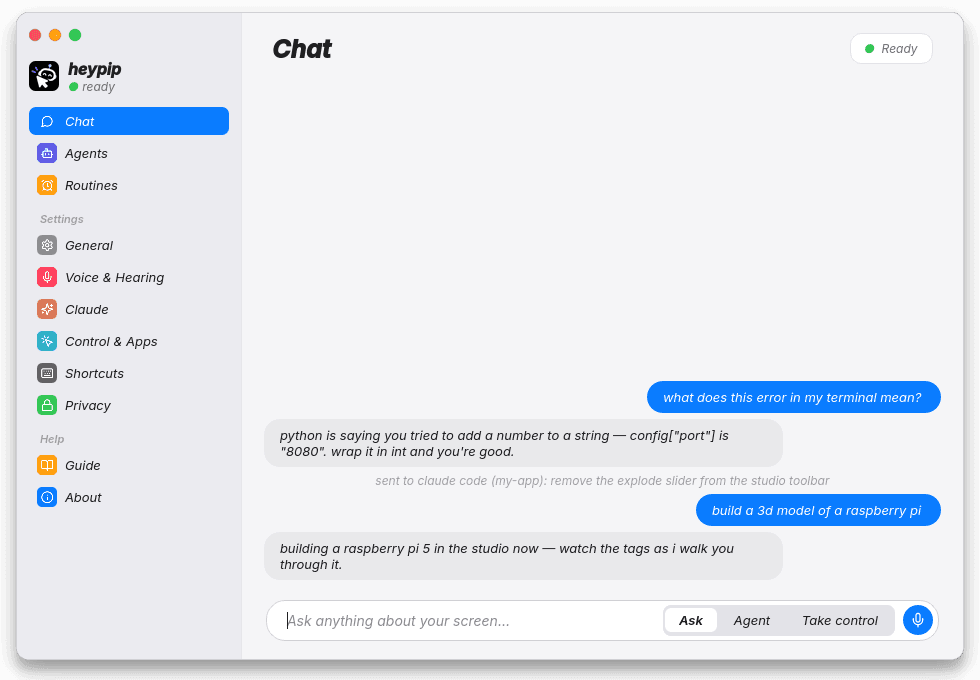
heypip is an AI desktop assistant for Linux and Windows, made by acyrx. It lives next to your cursor: hold Meta+Alt+C and ask out loud, and it sees your screen, talks back, points at the exact thing you need, draws on your screen, and can take control of your mouse and keyboard to do tasks for you.
How much does heypip cost?
heypip is free to download, and a one-time $10 licence key activates it, with no subscription. Its answers come from your existing Claude Code plan (Pro or Max), which Anthropic bills as usual, so heypip adds no AI fees of its own.
How does activation work?
Download and install heypip for free. When you buy a licence for $10 you get a licence key; paste it into heypip the first time it opens. The key is checked online about once a day, and heypip keeps working offline for up to 14 days between checks.
Can I move heypip to another computer?
Yes. Each key works on up to 2 computers at a time. To move it, open Settings › Licence on the old computer and press Deactivate, then paste the same key on the new one. Your purchase and key are always available in the Polar customer portal.
Does heypip work on Windows?
Yes. heypip runs on Windows 10 and 11 (64-bit) with Claude Code for Windows installed and logged in. Download the installer, run it (no admin rights needed) and paste your licence key. Hold Win+Alt+C to talk; if Windows already uses that shortcut, heypip uses Ctrl+Alt+C instead. The same licence works on Windows and Linux.
Which desktops does heypip support?
heypip is built for KDE Plasma 6 on Wayland or X11, which gives it the best experience: global shortcuts, live cursor tracking and instant built-in screenshots. Most features also work on other Linux desktops, using fallbacks such as grim or gnome-screenshot.
Is it safe to let heypip control my computer?
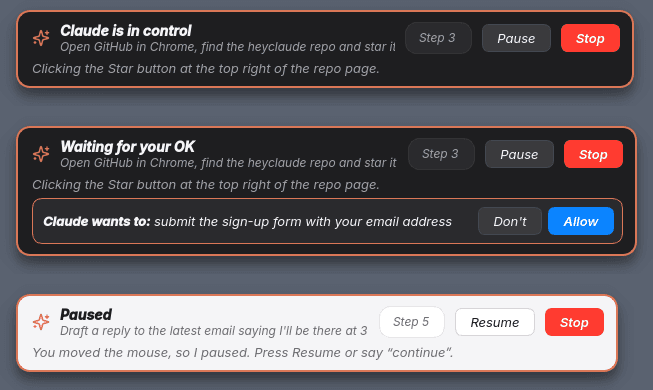
Control is off until you turn it on. While it's driving, an orange glow and a control bar make that obvious. It asks before anything sensitive, pauses the moment you grab the mouse, and stops when you say “stop”. You can also have it ask before every single action.
What does heypip send to Claude?
It sends your question as text, a screenshot taken at that moment, and a short text memory of the conversation. Audio never leaves your computer, and screenshots are never written to disk.
Do I need an API key?
No. heypip thinks through the Claude Code login you already have. There are no API keys and no servers in the middle.
Is heypip a HeyClicky alternative?
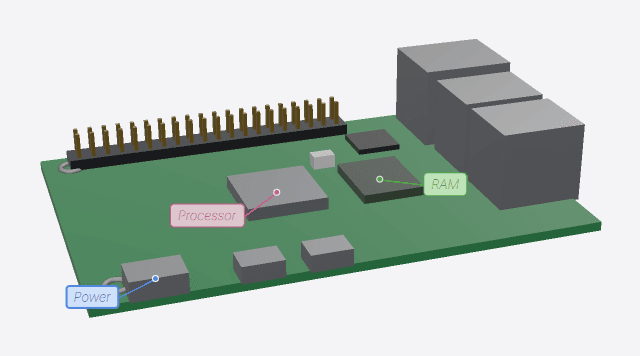
Yes. heypip is a HeyClicky-style AI buddy built for Linux. Like Clicky, it lives next to your cursor, sees your screen, talks and points at things. It also draws on your screen, builds 3D models and can take control of your mouse and keyboard. It's a free download with a one-time $10 licence instead of a subscription, and it uses your own Claude plan. heypip is made by acyrx and is not affiliated with HeyClicky.
Is there a Clicky or HeyClicky for Linux?
HeyClicky is available for Mac and Windows. heypip brings the same idea to Linux: an AI buddy next to your cursor that sees your screen, talks and points, built for KDE Plasma 6 on Wayland or X11.
Is heypip like Microsoft Copilot or the ChatGPT desktop app, but for Linux?
In spirit, yes: it's an AI assistant that lives on your desktop and helps with whatever is on screen. The difference is that heypip is voice-first, points and draws directly on your screen, can take control of your mouse and keyboard to finish tasks, and runs on Linux with your own Claude plan.
Can heypip control my computer like Claude computer use?
Yes. In take-control mode, Claude drives your real mouse and keyboard step by step to finish a task while you watch. It asks before anything sensitive, pauses when you move the mouse and stops when you say “stop”.
Does heypip work offline?
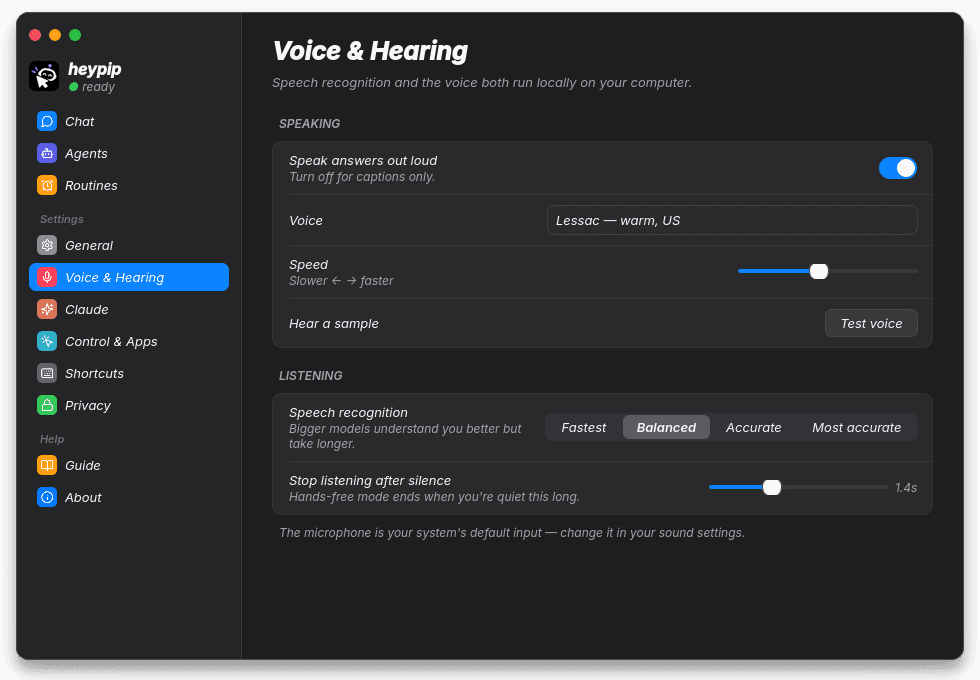
Speech recognition and the voice run fully on your computer. The answers themselves come from Claude, so you need an internet connection to ask questions.
Can I change the voice or shortcuts?
Yes. Settings has six voices, speed, speech-recognition accuracy, light and dark themes, and more. You can change the shortcuts in System Settings › Shortcuts.